How to Generate Unlimited Images With gpt-image-2.6 (Sort Of)
I’ve been sitting on this one for a while, because I really don’t want OpenAI to close the loophole that allows for (kinda) unlimited image generation with gpt-image-2.6.
There. I said it.
(If anyone at OpenAI is reading this, please skim.)
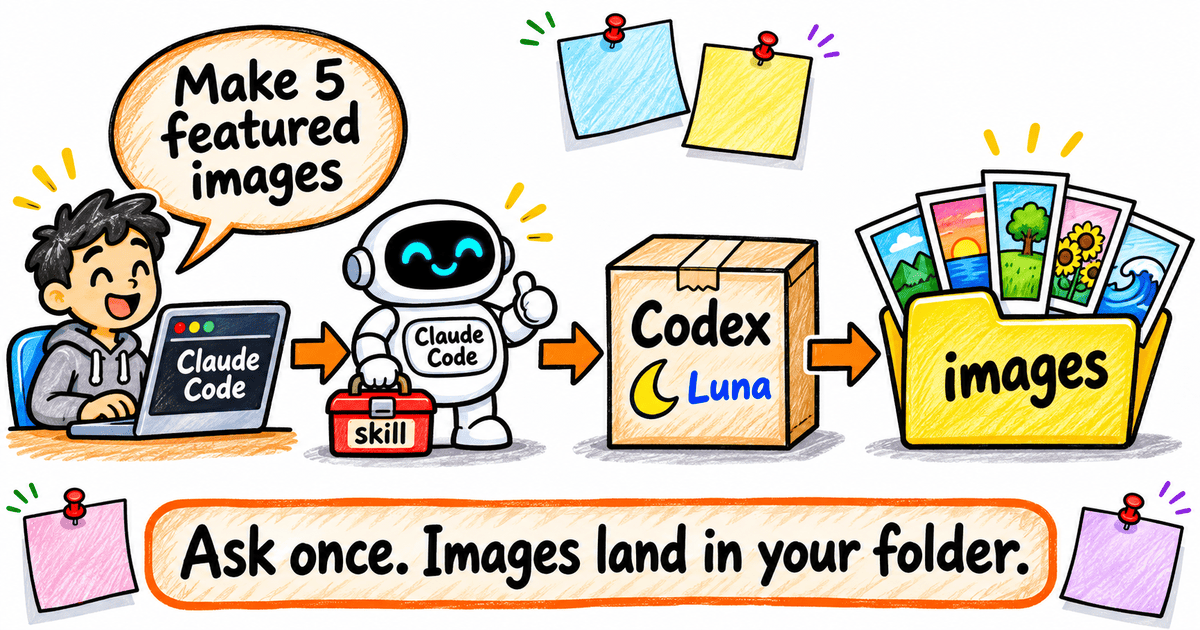
Back in June, I wrote Generate Images in Claude Code — Without Even Asking for a Command. It covered a skill that lets Claude Code borrow Codex’s built-in image tool. Ask in plain English, and a real picture lands in your project.
That post skipped one thing.
The bill.
Every image I make with gpt-image-2.6 in Codex comes out of my ChatGPT plan. Since June, I’ve found a way to make each one take a much smaller bite of it.
By the end of this post, you’ll know what an image really costs on your plan — and you’ll have one small setting in place that makes every image far cheaper.
Fair warning, though.
“Unlimited” carries an asterisk. I’ll show you exactly where it sits. That’s the “sort of” in the title.
Let’s start with the price tags.
.
.
.
Two Price Tags for One Picture
A gpt-image-2.6 picture has two prices, and which one you pay depends on the road you take to make it.
Road One: The API
OpenAI publishes token rates for its image models, so a per-image price has to come out of the token calculator in OpenAI’s image generation guide. Run a typical blog image through it, at medium or high quality, and you get roughly 3 to 5 cents an image.
| Typical blog image | Approx. cost per image |
|---|---|
| Medium quality, 1536×1024 | ≈ $0.034 |
| High quality, 1024×1024 | ≈ $0.053 |
At that rate, 50 images a week through the API comes to about $8 to $12 a month.
Hold that thought. We’ll come back to it.
Road Two: Codex on Your ChatGPT Plan
The second road runs through the plan you already pay for.
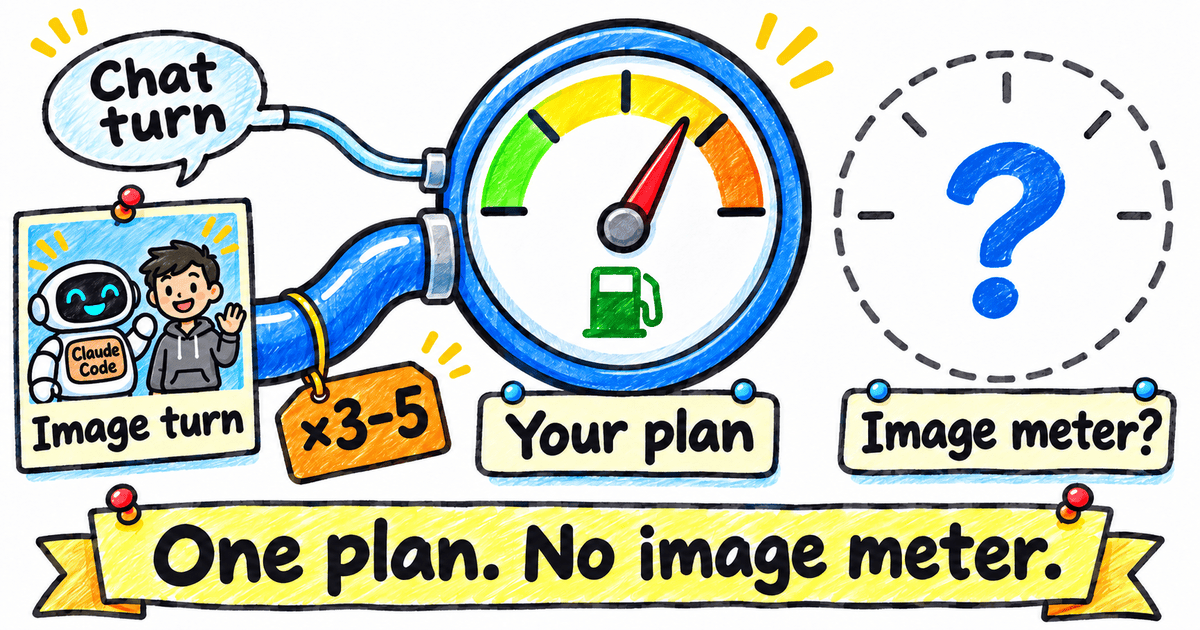
When you generate with gpt-image-2.6 in Codex, there’s no separate image counter. Images count toward the same usage limits as your normal turns. Then OpenAI’s Codex pricing FAQ drops the line this whole post hangs on:
Image generations “use included limits 3-5x faster on average than similar turns without image generation, depending on image quality and size.”
So an image is simply a more expensive turn, drawn from the same pool your coding turns use. One tank, two hoses — and the image hose is the thick one.
Stay with me, and follow that logic one step further.
If an image is a turn times three to five, the size of the turn decides the price.
And the size of the turn? You control that.
That’s the loophole.
.
.
.
The Loophole: Put the Multiplier on a Cheap Turn
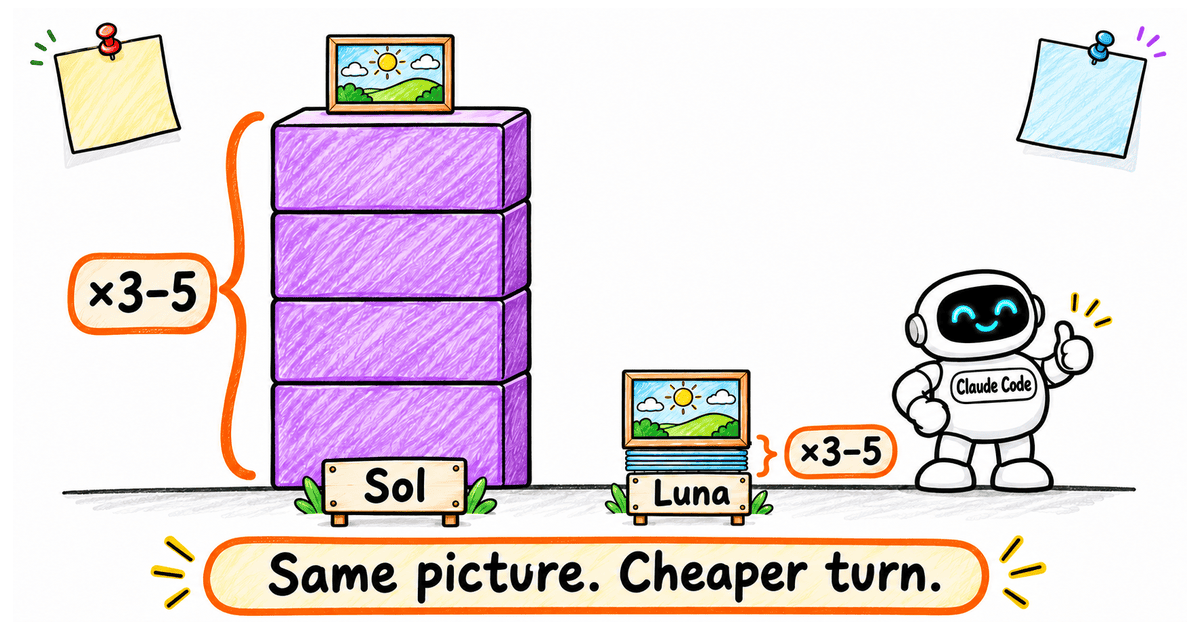
The 3–5x multiplier applies per turn, and a turn’s cost depends on the chat model running it.
Think of it like surge pricing. A 3x surge on a limo ride stings. On a bus fare, you’d barely notice.
During an image run, the chat model barely lifts a finger. It passes a prompt to Codex’s image tool, and the image model draws the picture.
So the cheapest chat model you have can do the job.
If the Sol and Luna tiers are new to you, GPT-5.6 Sol Is Way Better in Claude Code (Here’s How to Set It Up) covers them: Sol is the heavyweight, and Luna is the quick, light one.
You already know API prices, so here’s the gap in those terms, from OpenAI’s API pricing page (standard tier, per 1M tokens, fetched 2026-11-11):
| Model | Input | Output |
|---|---|---|
| GPT-6 Astra | $10.00 | $50.00 |
| GPT-6.1 Sol | $2.00 | $10.00 |
| GPT-6 Luna | $0.10 | $0.50 |
Per token, GPT-6 Luna is 20x cheaper than Sol and 100x cheaper than Astra. Three to five times a small number is still a small number.
One hedge. OpenAI says API prices don’t map exactly onto plan usage, and it publishes no images-per-plan figure, so treat the ratio as a rough measure of the gap.
Nothing here is hidden. OpenAI documents every piece on its own pricing pages.
Most people simply never change the model behind their image runs, so they pay the expensive rate by default.
Hence the “sort of”.
.
.
.
“But It’s Only 4 Cents”: Why Volume and Friction Win
I can hear the objection already.
“Hang on. An API image costs about 4 cents. Fifty a week is $8 to $12 a month. Why bother?”
Fair point. That is cheap.
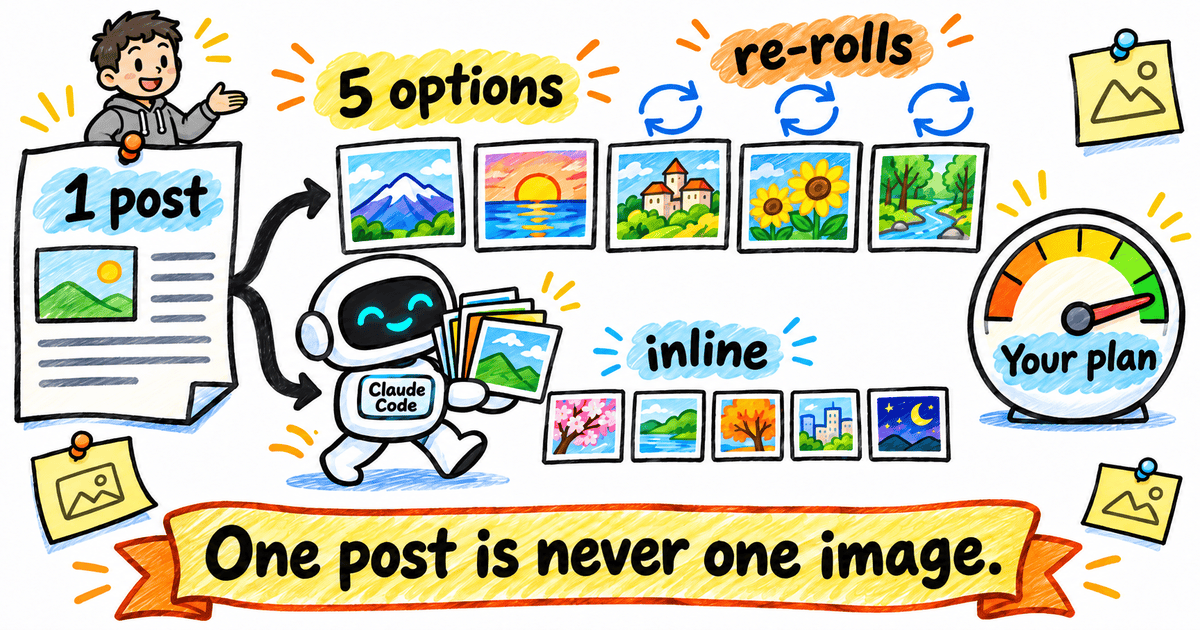
Here’s the thing, though. Nobody makes one image per post. Mine add up like this:
- Five featured-image variations, so there’s a real choice
- Re-rolls when a variation misses
- Edits and small fixes on the keeper
- Inline illustrations for the key points
One post quietly turns into a dozen images or more.
On the API, every re-roll is another line item. And line items have a sneaky side effect: they nudge you to settle for the second-best picture.
I know, because I’ve done it. Back when I paid per image through the API, I once kept a featured image I didn’t love. One more re-roll would have cost a few cents, but watching the line items pile up made me call it good enough.
(A few cents. I still wince.)
On your plan, a re-roll on Luna takes a sliver of an allowance you’ve already paid for. So you keep going until the picture is right. You also skip the API key, and a heavy week can’t end in a surprise invoice.
👉 The limit that matters here is your usage allowance, and on Luna that allowance goes a long way.
That’s what “unlimited (sort of)” means.
.
.
.
Case Study: My Weekly Blog Images, All on Luna
Let me show you how this runs in my own week.
Once a post is written, I ask Claude Code for five featured-image variations in my house whiteboard style, with three earlier featured images as references. After I pick a favourite, I ask for inline illustrations for the key points.
The skill hands each request to Codex. Codex runs the turn on Luna at max effort, and the files land in the post’s images folder. A run takes two to five minutes, so I queue them up and keep writing.
(A tiny illustrator in the next room, basically.)
Two recent posts show what that adds up to:
- I Taught Opus 5.5 to Pick the Right Sub-Agent for Every Job (October 23): 7 whiteboard illustrations plus 5 featured-image variations. That’s 12 images kept from 15 runs.
- The 4 Levels of Agentic Coding (And How to Climb to the Next One) (November 6): 7 illustrations, a badge sheet and 5 featured variations. That’s 13 kept from 14 runs.
So about 15 runs a post, re-rolls included, every week.
And I’m on ChatGPT Plus. The cheapest paid tier.
What the Meter Said
For this very post, I measured it.
I opened the plan limits panel in ChatGPT, generated the seven illustrations you’re looking at on Luna at max effort, with no re-rolls, and checked again. The 5-hour limit went from 98% left to 95% left.
When the panel showed 95%, I closed it and opened it again. I assumed it just hadn’t caught up yet.
It had.
About 3% of one 5-hour window.
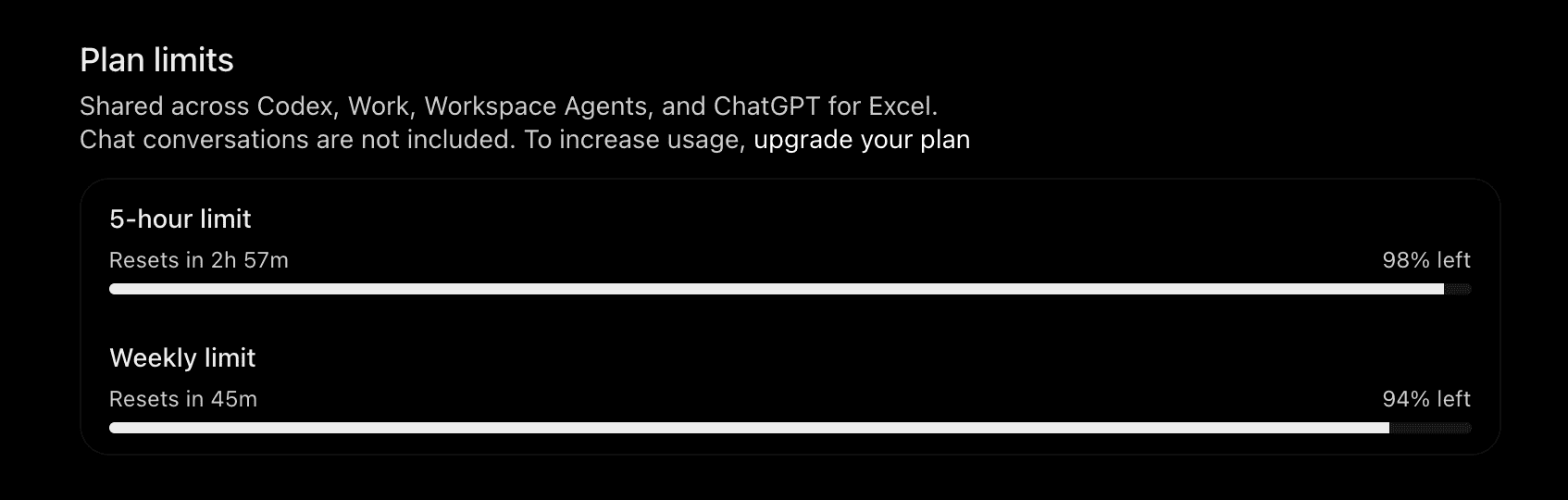
The meter rounds to whole percentages, and this is one batch on one plan, so I won’t stretch it into a promise about how many images you can make.
Re-Rolls Are Cheap
For the orchestrator post, the CloudPlay stack illustration took three tries, and the meter barely twitched.
In the 4 Levels post, the generator drew the small corner badge a little differently on every image. So I made one badge and pasted it on by hand, like a kid with a sticker sheet.
Cheap retries buy you plenty of attempts. Pixel-perfect consistency still sometimes needs a manual fix.
Does the Cheap Model Hurt the Picture?
Fair question.
Luna only handles the generation step. The prompt itself can come from a much better model.
That’s how this post was made. Claude Code, running Opus 5.5, wrote every image prompt. Luna’s only job was to call the image model and pass that prompt along.
The smart model writes, and the cheap model delivers. That split is exactly what the skill sets up, and so far I’ve never needed Sol for an image.
Every illustration in this post came out of this routine.
Which means you’ve been looking at the demo all along.
.
.
.
Set It Up Once: One Small File
Here’s the how-to. It takes about two minutes.
Step 1: Install the Skill
- Claude Code: add the marketplace with
/plugin marketplace add nathanonn/agent-skills, then run/plugin install codex-imagegen@nathanonn-agent-skills - Other agents:
npx skills add nathanonn/agent-skills --skill codex-imagegen - Codex CLI (now required):
npm i -g @openai/codex, thencodex loginwith your ChatGPT account. If Codex runs on an API key instead, API pricing applies. - Where the skill lives: nathanonn/agent-skills, now at version 1.1.1
A quick correction for June readers: the skill now needs the Codex CLI, so install it even if you already have the Codex plugin.
Step 2: Add the Machine Profile
This is the step that matters.
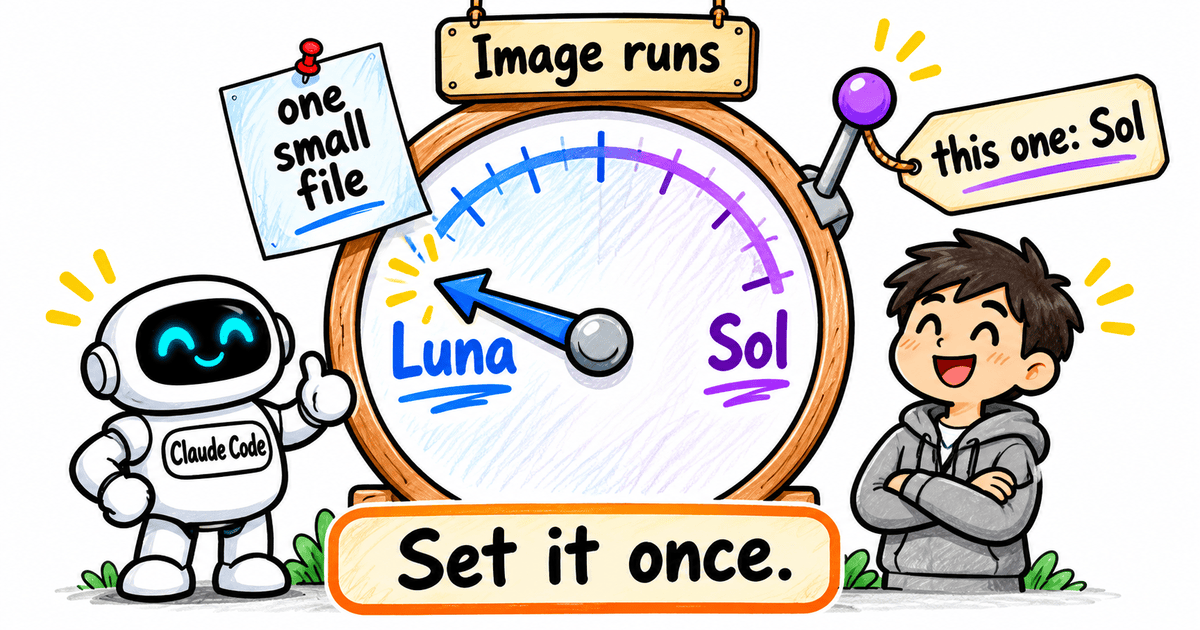
One small file decides which model runs gpt-image-2.6 in Codex for you. It sets the model for image runs only, and the rest of your Codex work keeps its usual model.
Without it, image runs use whatever your current default Codex model is.
I learned this one the hard way. Before I set up the profile, my image runs went through whatever big model I’d been coding with, and my 5-hour window drained far faster than a few pictures should allow.
If that default is GPT-6 Astra, every image turn costs an arm and a leg, at 100x Luna’s per-token price. On Plus, that adds up fast.
# ~/.codex/imagegen.config.toml
model = "gpt-6-luna"
model_reasoning_effort = "max"
That’s it.
Every image run now goes through GPT-6 Luna at max effort.
Step 3: A Few Handy Extras
Worth knowing, the skill can also do these:
- One image on Sol: ask Claude Code to “use gpt-6.1-sol for this one”, or pass
--model gpt-6.1-solon that run - Effort: Luna runs from low to max, and a lower effort should stretch your limits further
- Dry run: prints which model and effort will be used, which also catches a typo in the file
- Model names: list the current ones with
codex debug models
.
.
.
A Cheap Turn, a Full Images Folder
So, back to my confession.
The trick was sitting in OpenAI’s own docs the whole time. An image is a turn times three to five, and almost nobody changes the model behind that turn.
One small file fixes that. From then on, the plan you already pay for starts covering a lot more pictures.
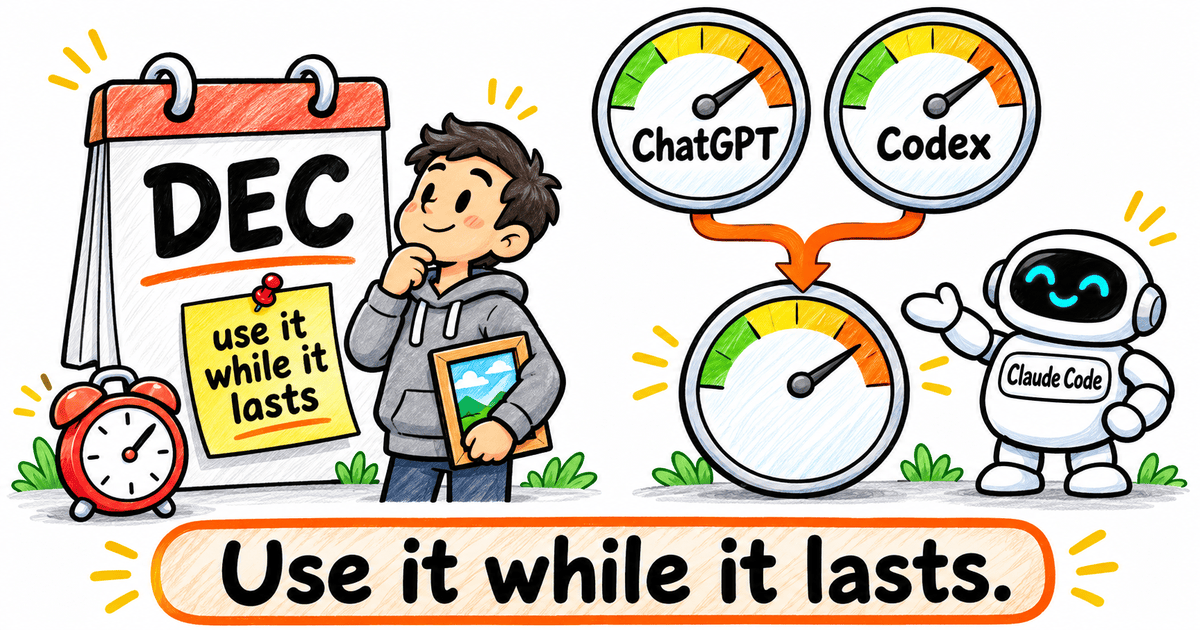
There’s one wrinkle on the horizon, though. Starting in December, ChatGPT and Codex will share one usage pool, and OpenAI hasn’t said yet how images will count under it.
So here’s your next move. Install the skill and add the profile. Then make your next featured image on Luna, and re-roll it until it’s right.
Use it while it lasts.

Leave a Comment